Microsoft 365 API Throttling: The Hidden Weakness in Your Disaster Recovery Plan
I had a client reach out last week asking for an RTO on their M365 backups. For years the concern around M365 data protection was all about coverage, storage efficiency and immutability. but this was the first time I was challenged with the question of “if disaster strikes and my tenant gets wiped out, how long am I down for?” My initial reaction was “how long is a piece of string”? But it sent me down the rabbit hole of recovery speed….
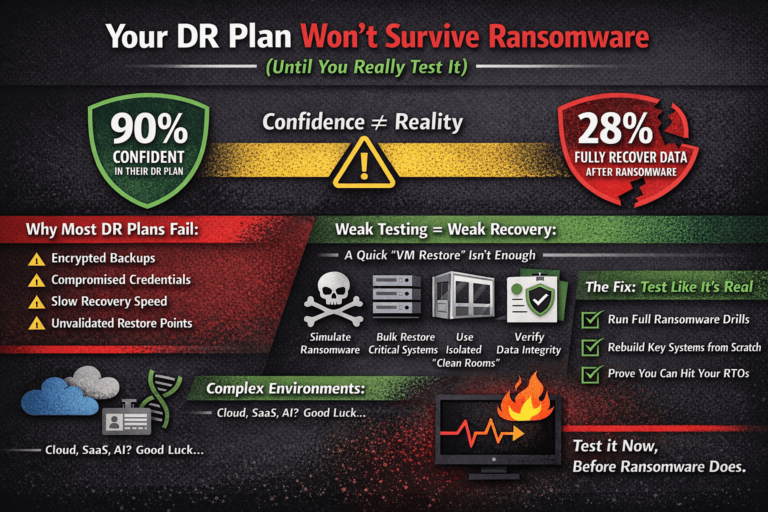
Many organisations assume that if their Microsoft 365 data is backed up, they can restore it quickly after a ransomware attack, accidental deletion, or tenant-wide compromise. In reality, recovery times are often constrained by Microsoft’s own API throttling limits.
And during a disaster, that can turn a planned four-hour recovery objective into a multi-day recovery operation.
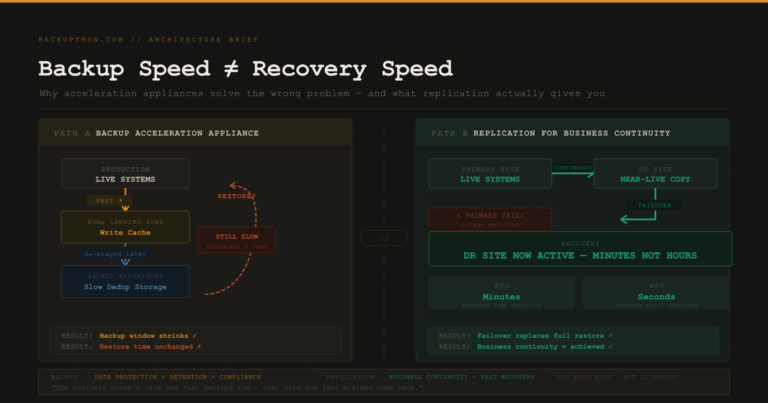
The Problem: Backup Is Fast. Restore Is Slow.
Most third-party Microsoft 365 backup platforms rely heavily on the Microsoft Graph API, Exchange Web Services (EWS), and SharePoint Online APIs to extract and restore data.
Microsoft deliberately throttles these APIs to protect the stability of its shared SaaS infrastructure. The platform applies both global and service-specific limits across Exchange Online, SharePoint Online, OneDrive, and Teams.
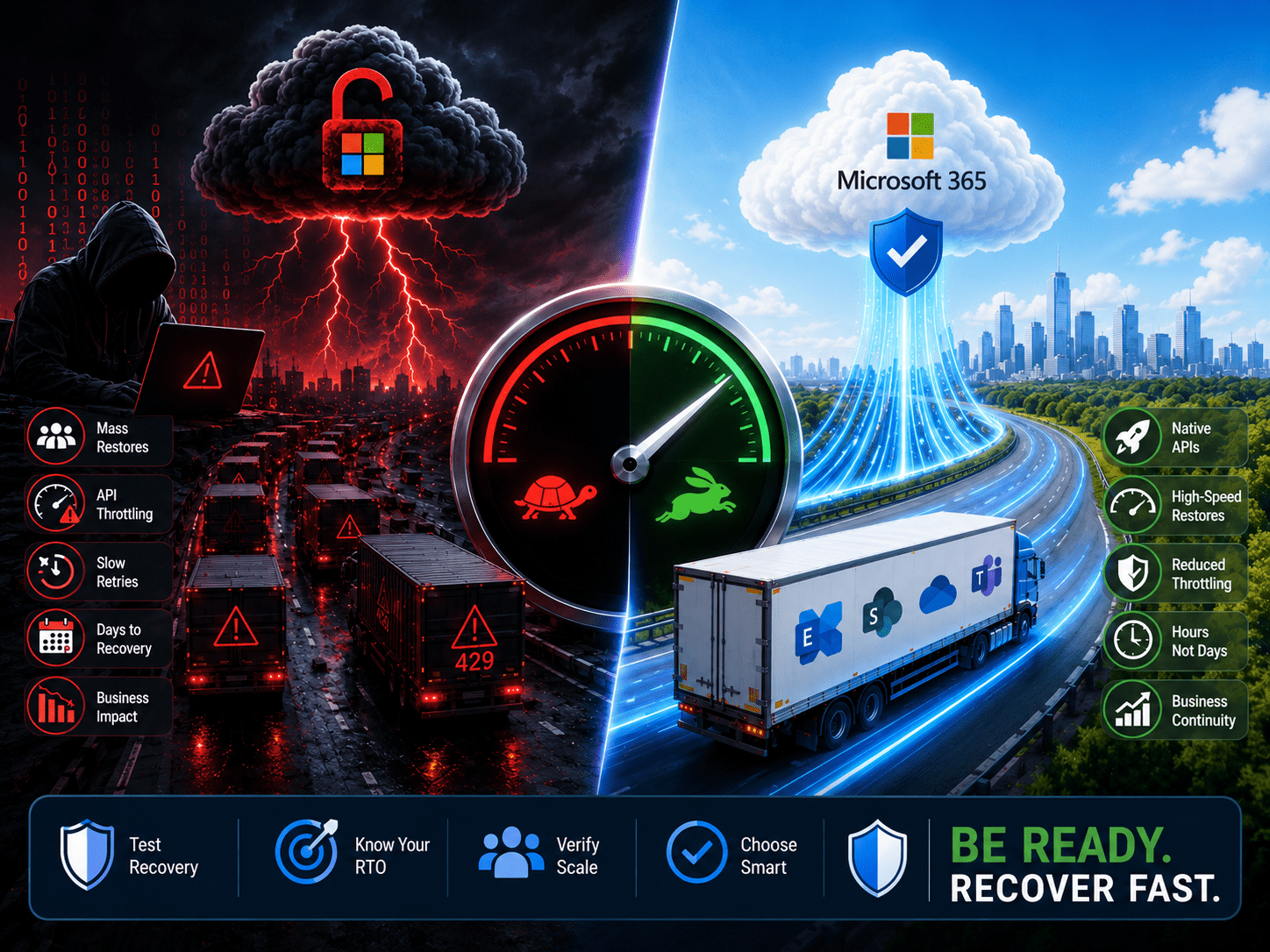
When backup vendors hit these limits, Microsoft returns HTTP 429 (“Too Many Requests”) responses and forces the application to pause and retry later. Microsoft explicitly states this behaviour is built into the platform and cannot generally be disabled.
In day-to-day operations, throttling is manageable. Incremental backups and occasional mailbox restores usually complete without major issues.
During a large-scale recovery, however, the limitations become painfully visible.
Why Disaster Recovery Changes Everything
A disaster recovery scenario creates exactly the type of workload Microsoft throttling is designed to suppress:
- Massive parallel restore operations
- Millions of SharePoint and OneDrive file writes
- Large Exchange mailbox restores
- Permission and metadata recreation
- Version history reconstruction
- Teams and collaboration object recovery
The bottleneck is no longer bandwidth or storage performance.
It becomes API transaction allowance.
One Microsoft Q&A response regarding large SharePoint restores using Veeam stated plainly that throttling during large-scale restores is “normal and unavoidable.”
This creates an uncomfortable reality:
Your backup platform may technically work perfectly while still failing your recovery time objectives.
The SharePoint and OneDrive Problem
SharePoint Online and OneDrive are especially challenging because restores involve huge numbers of individual object operations rather than large sequential data streams.
A 5 TB SharePoint restore containing millions of small files can take dramatically longer than expected because the restore speed is governed by:
- API call limits
- Object count
- Metadata operations
- Version reconstruction
- Permission reapplication
Not raw throughput.
Community discussions across Reddit and Microsoft forums consistently describe SharePoint restores “crawling” under throttling pressure during large recoveries.
Why Vendors Rarely Lead With This
Backup vendors understandably market:
- retention features
- ransomware detection
- unlimited storage
- Teams backup
- immutable repositories
But few prominently publish:
- full-tenant restore benchmarks
- worst-case RTOs
- API dependency limitations
- tenant-scale recovery modelling
That omission matters.
In a real incident, the question is not:
“Do you have backups?”
It becomes:
“How long until 40 TB of collaboration data is actually usable again?”
Those are very different conversations.
Microsoft’s Own Backup Strategy Changes the Equation
Microsoft itself appears to recognise this limitation.
Its newer Microsoft 365 Backup architecture introduces native backup and restore APIs with significantly faster recovery capabilities than traditional Graph-based approaches.
Industry discussions frequently distinguish between:
- traditional API-based backup methods
- Microsoft-native “Express” style restores
The latter can avoid many of the throttling constraints affecting conventional backup vendors.
This is an important shift because it effectively acknowledges that conventional SaaS API restore mechanisms are not always suitable for mass recovery scenarios.
Alternative Approaches Organisations Should Consider
1. Native Microsoft 365 Backup Integrations
Some vendors now integrate directly with Microsoft’s newer backup framework instead of relying entirely on Graph APIs.
These solutions may offer:
- dramatically faster restores
- reduced throttling exposure
- improved tenant-scale recovery
- higher throughput during ransomware events
However, they can also involve:
- higher licensing costs
- feature trade-offs
- reduced portability
2. Hybrid Recovery Architectures
Some organisations are moving toward layered protection models:
- traditional SaaS backup for granular restores
- native Microsoft backup for large-scale disaster recovery
- offline or isolated exports for worst-case scenarios
This avoids relying on a single recovery mechanism.
3. Recovery Isolation
Another emerging concern is identity dependency.
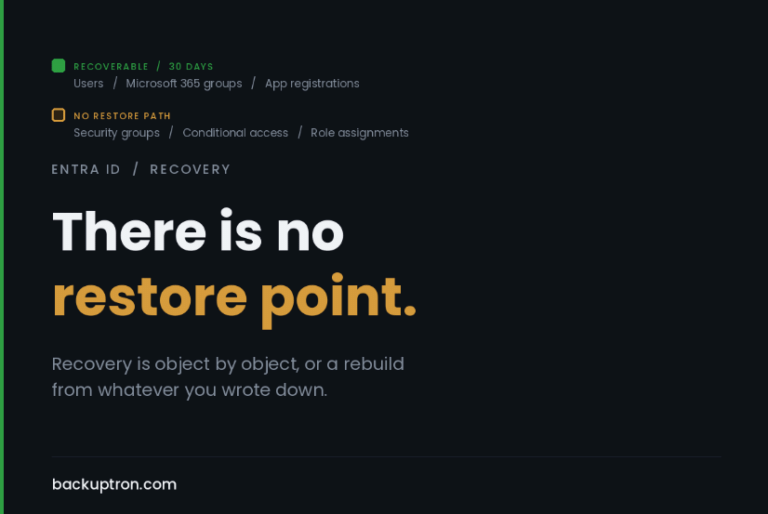
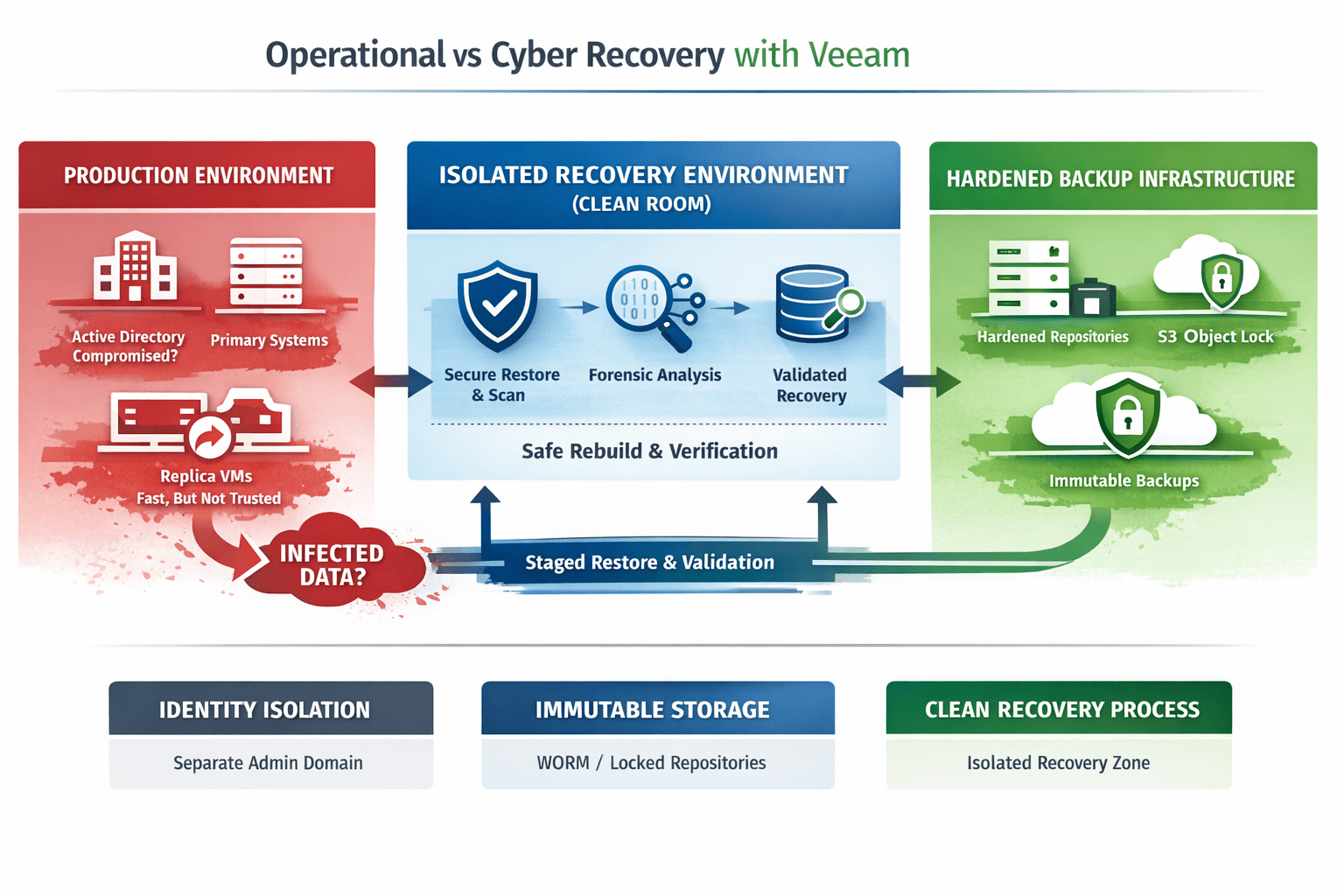
Many Microsoft 365 backup platforms authenticate directly against the same Entra ID tenant they are protecting. In a major compromise, attackers targeting identity infrastructure may simultaneously impact:
- production access
- administrative control
- backup platform access
Security architects are increasingly prioritising:
- isolated credentials
- cross-tenant recovery
- independent management planes
- out-of-band administrative control
Community discussions increasingly highlight this as a major design consideration.
4. Real Recovery Testing
The only meaningful validation is:
- large-scale restore testing
- realistic ransomware simulation
- tenant-wide recovery exercises
- SharePoint-heavy restore validation
Not theoretical vendor datasheets.
Ask vendors:
- What is the largest tenant restore they have documented?
- What are real-world SharePoint restore rates?
- How does throttling impact recovery?
- What dependencies exist on the customer tenant?
- Can restores occur into alternate tenants?
- What happens if Entra ID is compromised?
These answers matter far more than backup storage pricing.
Final Thought
Microsoft 365 backup discussions often focus on whether data is recoverable.
The more important question is whether it is recoverable fast enough to matter.
API throttling has quietly become one of the biggest constraints in Microsoft 365 disaster recovery — particularly for SharePoint Online, OneDrive, and tenant-scale ransomware recovery scenarios.
As SaaS estates continue growing, organisations need to evaluate backup platforms not just as storage systems, but as recovery execution platforms.
Because in a real disaster, recovery speed is the product.