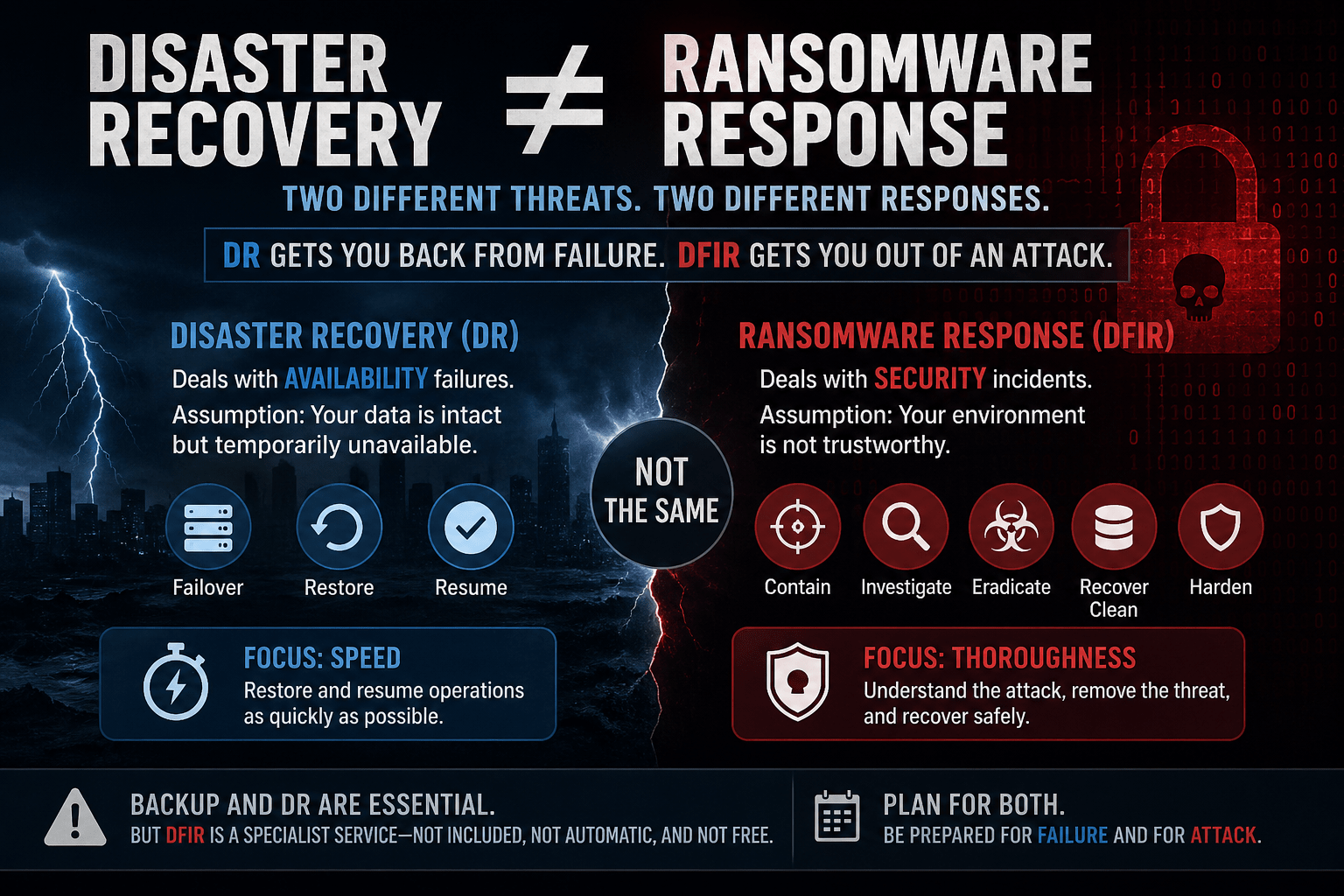
Ireland has had a rough few years as a target.
The HSE attack in 2021 cost an estimated €600 million to recover from, took four months to fully remediate, and became one of the most referenced ransomware case studies in the world. In December 2025, the Office of the Ombudsman was hit by a financially motivated ransomware attack that forced all systems offline, disrupted six connected public bodies, and triggered simultaneous notifications to the NCSC, An Garda Síochána, and the Data Protection Commissioner. A survey published in February 2026 found that 80% of Irish workers had personally experienced a cyberattack or security incident at work in the past twelve months.
Ireland is not an incidental target. It is a consistent one.
Against that backdrop, cyber insurance has moved from a nice-to-have to a board-level priority for Irish organisations across sectors. But the market has changed significantly. Insurers lost heavily on ransomware claims between 2020 and 2024 — and a lot of that money went to organisations that, it turned out, had overstated their security controls on the application.
The response has been a shift from self-attestation to evidence-based underwriting.
Carriers are no longer asking whether you have controls. They are asking you to prove it. And if a claim is made and the forensic review finds something different from what was on the application, the claim gets denied.
That shift has very specific implications for backup architecture. If you’re heading into a renewal without understanding what underwriters are actually looking for, you may be walking into a gap you didn’t know you had.
The Irish Regulatory Context Makes This More Complicated
Most cyber insurance conversations in Ireland are happening against a backdrop of overlapping regulatory obligations that directly shape what underwriters expect to see.
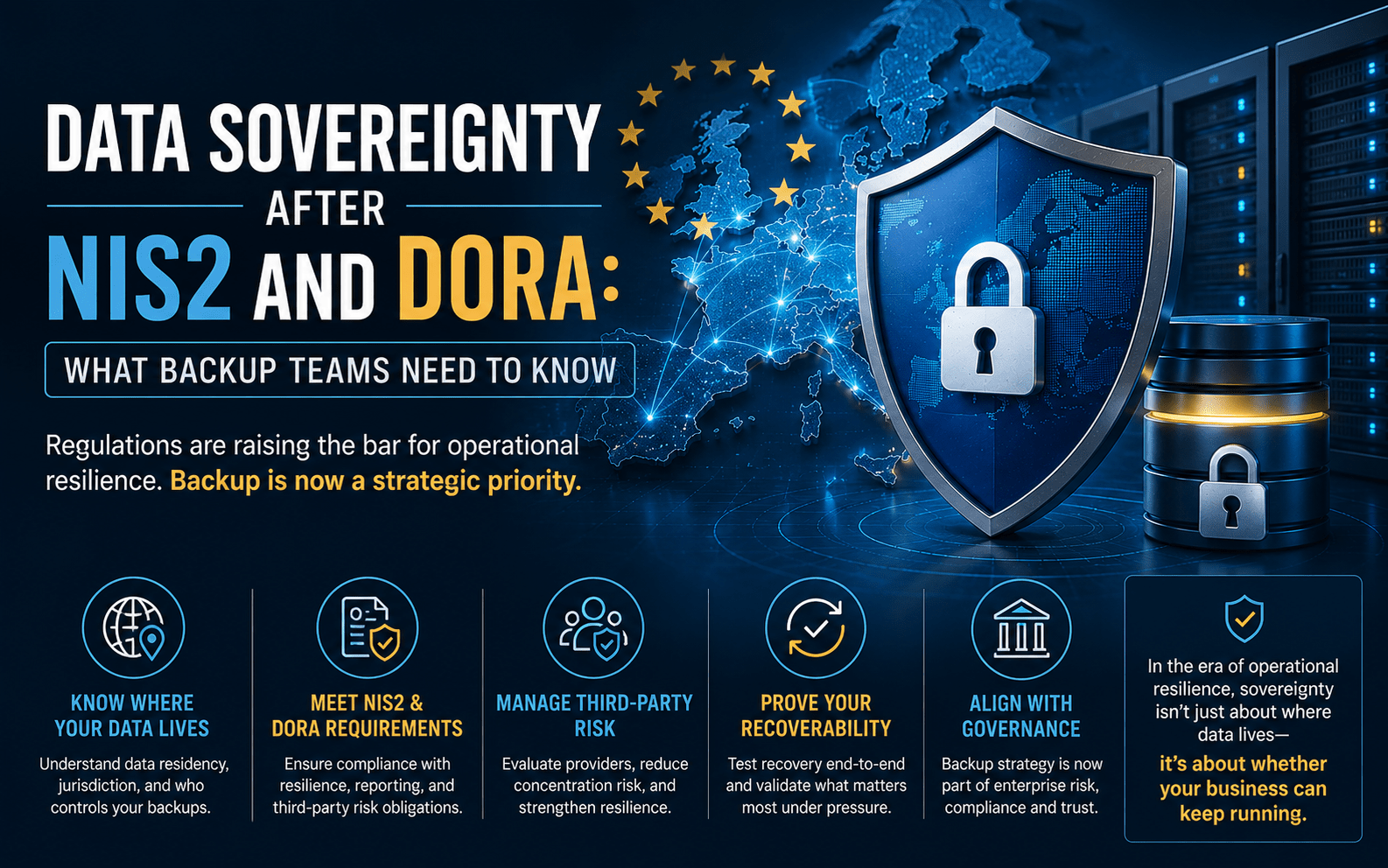
DORA came into force in January 2025 and applies directly to Irish financial entities and their ICT providers — without the need for national transposition. The Central Bank of Ireland is the supervisory authority. DORA’s requirements around ICT risk management, operational resilience testing, third-party dependency mapping, and incident reporting are prescriptive, and backup architecture sits squarely within scope. For any Irish financial services organisation, or any technology provider serving one, DORA compliance and cyber insurance requirements are now effectively the same conversation.
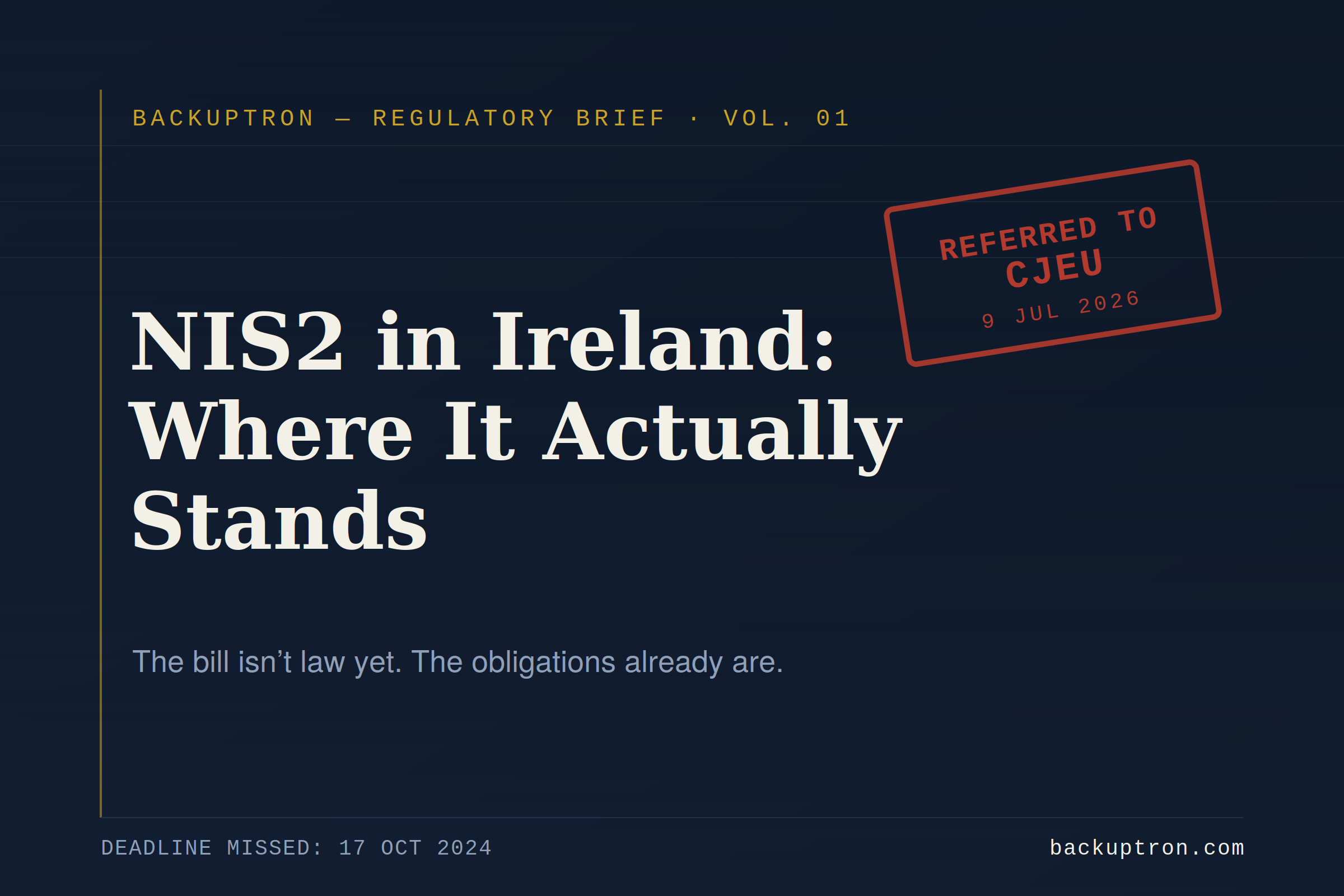
NIS2 is a more complicated picture. Ireland missed the EU transposition deadline of October 2024. The European Commission issued a reasoned opinion for failure to transpose in May 2025. The NCSC has published draft Risk Management Measures (RMM) and a Cyber Fundamentals (CyFun) framework in the interim, but full legislative implementation is still in progress. That creates an awkward position: the directive’s obligations exist at EU level, Irish organisations in scope are aware of them, but domestic enforcement machinery is not yet fully in place. Insurers operating in the Irish market are well aware of this gap — and are not waiting for it to close before incorporating NIS2-aligned control expectations into their underwriting assessments.
GDPR enforced by the Data Protection Commission adds a further layer. Ireland is home to the European headquarters of many of the world’s largest technology companies, which means the DPC is one of the most active data protection authorities in Europe. For Irish organisations, the obligation to report a breach to the DPC within 72 hours is not theoretical. The Ombudsman attack involved simultaneous notification to the DPC, NCSC, and An Garda on the day of confirmation. Insurers factor this reporting risk into their underwriting.
The practical result for Irish IT and security teams is that a cyber insurance renewal is no longer just a procurement question. It sits at the intersection of insurance, regulatory compliance, and security architecture.
What Underwriters Are Now Looking For in Backup Specifically
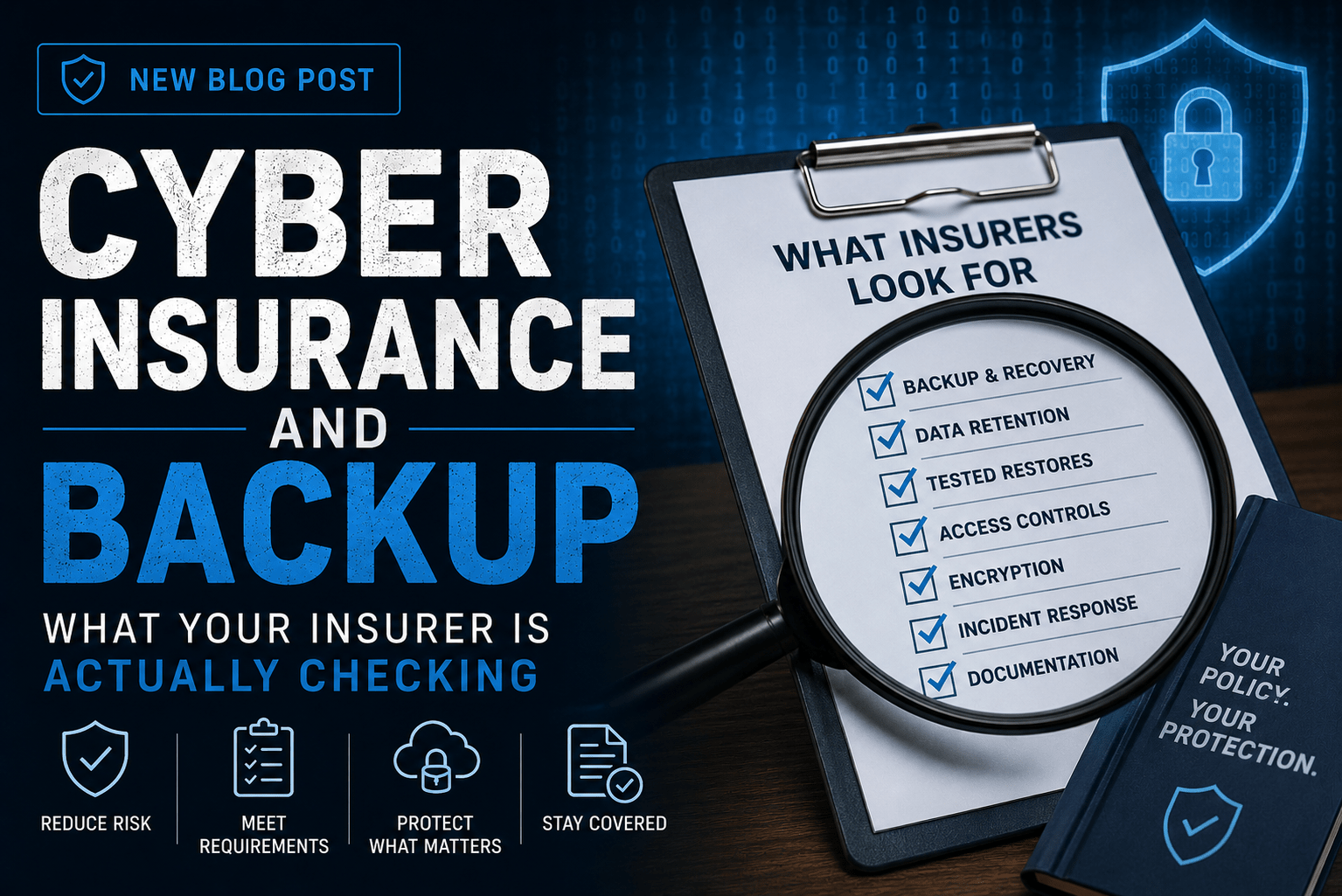
Backup has always appeared on cyber applications. But the questions have become far more specific — and the evidence requirements have hardened.
1. Immutability — and Proof It’s Actually Enforced
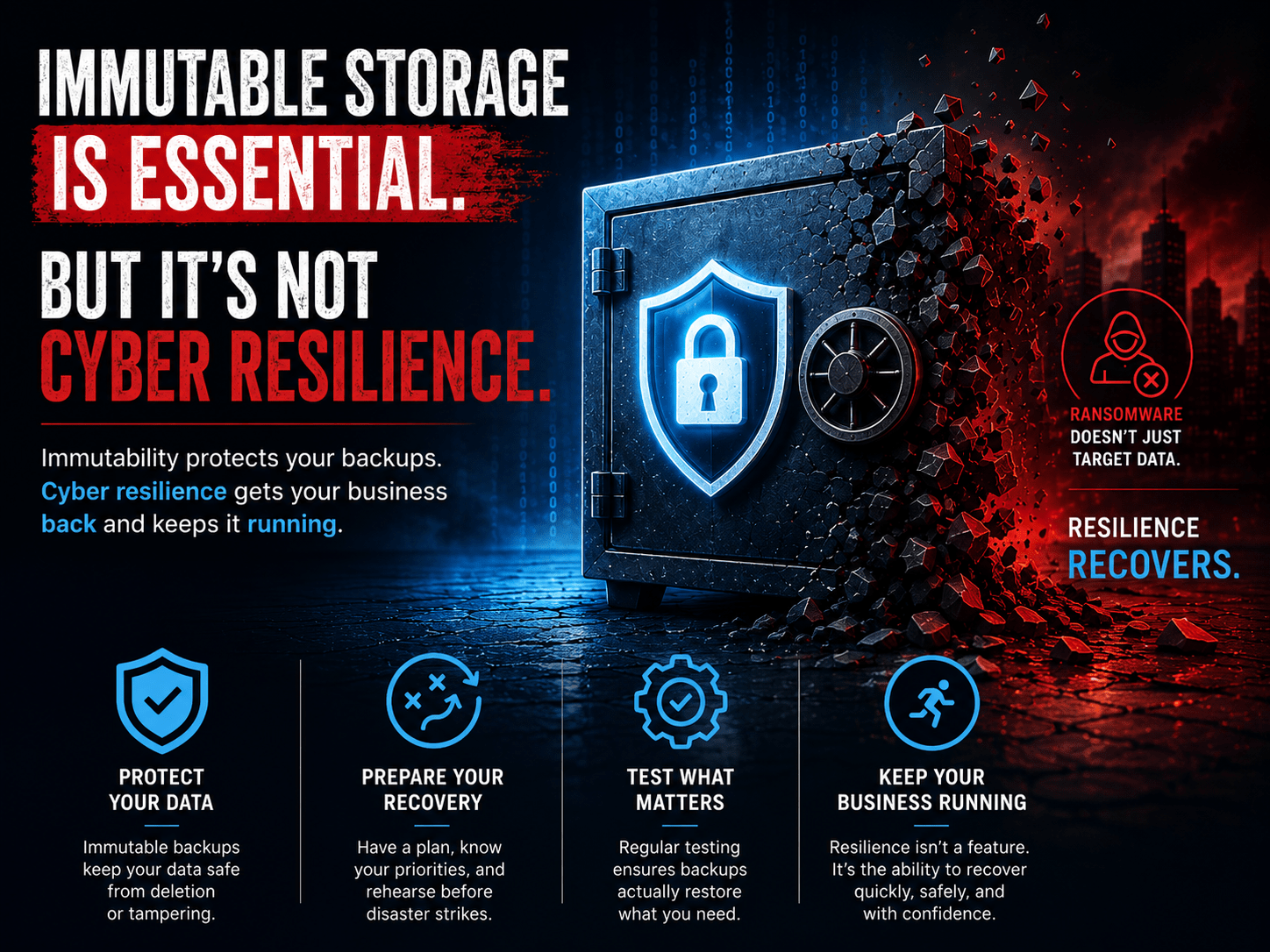
Immutable backups are now a near-universal requirement across major carriers. But “we have immutability enabled” is no longer sufficient.
Underwriters want to understand whether immutability is genuinely enforced or simply configured in name. The distinction matters because immutability flags can be set while admin accounts retain the ability to bypass them. Object lock can be enabled without proper retention governance. Hardened Linux repositories can still be compromised if SSH is open and credentials are shared.
What they want to see:
- Configuration screenshots or documentation of Object Lock or immutability settings
- Evidence of hardened repository architecture — separate credentials, no domain join
- Confirmation that retention periods are enforced at the storage layer, not just at the backup application level
For Irish organisations under DORA or in-scope for NIS2, immutability is also a regulatory expectation, not just an insurance one. The two are converging.
2. Tested Backups — Not Just Running Backups
Green backup jobs are not the same as working recovery.
Underwriters are now explicitly treating untested backups as non-existent for underwriting purposes. The requirement that has emerged across multiple carrier frameworks is evidence of a restore test within the past twelve months — and ideally more frequently.
What they want to see:
- Documented restore test results with dates, scope, and outcomes
- Evidence that the test covered more than a single VM or handful of files
- Confirmation that the restore was validated for application functionality, not just file presence
The HSE incident is instructive here. The post-incident review found that backup systems existed but the scale and complexity of recovery was far beyond what had been planned or tested for. Untested recovery is, in practice, untested trust.
Your backup test records are now a policy document. If you don’t have them, you don’t have evidence.
3. Backup Isolation and Credential Separation
This is the area where many otherwise well-designed backup environments quietly fail the underwriting test.
The question underwriters are increasingly asking isn’t just “are your backups immutable?” It’s “can your backups survive a full production identity compromise?”
Modern ransomware operators actively target backup infrastructure as part of the attack. If backup admin access shares the same identity plane as production, compromising production effectively means compromising the backups. This pattern appeared in the HSE attack, where attackers had been operating undetected for eight weeks before deploying ransomware — more than enough time to identify and compromise backup systems.
What they want to see:
- MFA enforced on backup management consoles — not just on email and VPN
- Privileged access management evidence for backup admin accounts
- Network segmentation documentation showing backup infrastructure is isolated
- Confirmation that backup service accounts follow least-privilege principles and are not domain-joined
4. Offline or Air-Gapped Copies
Most underwriting checklists now specifically ask about offline or air-gapped backup copies — separate from immutable cloud or disk-based backups.
The logic is straightforward: immutable cloud backups are strong, but they depend on the API plane remaining accessible and the cloud account remaining uncompromised. An air-gapped or offline copy provides a recovery path that is genuinely independent of any connected infrastructure.
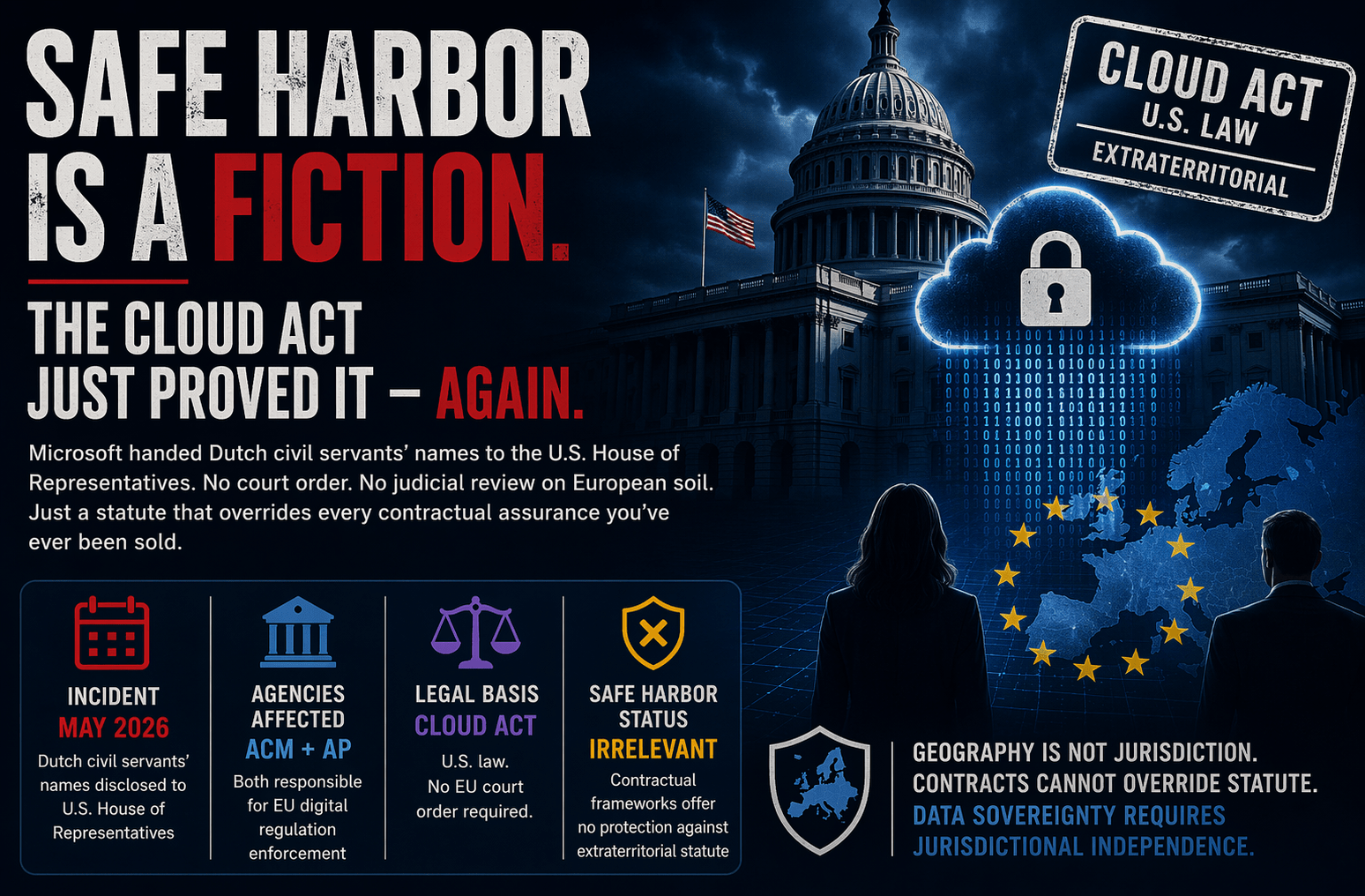
For Irish organisations with data sovereignty obligations under GDPR or DORA, there is an additional consideration: where is that offline copy physically located, and what jurisdiction applies? An air-gapped copy held in EU infrastructure with Irish-controlled access is a different proposition from one sitting in a hyperscaler region with foreign-held encryption keys.
What they want to see:
- Evidence of a backup copy that is offline, tape-based, or fully isolated from the network
- Retention policy documentation showing the offline copy is maintained at regular intervals
- Confirmation that access to the offline copy is governed separately from production credentials
5. Recovery Time Objectives — and Evidence They’re Achievable
Underwriters are beginning to probe not just whether data is backed up, but whether recovery objectives are realistic and have been validated.
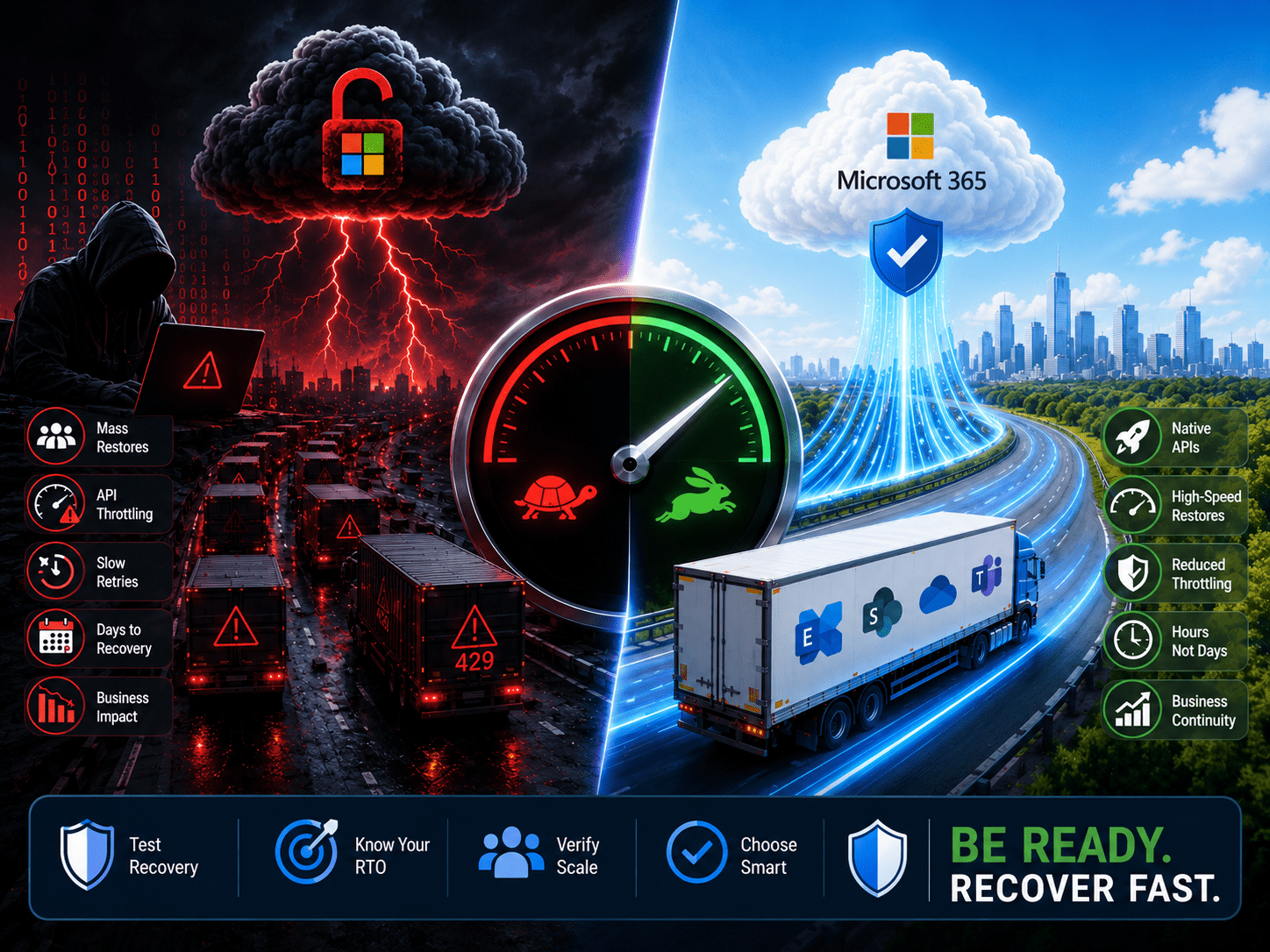
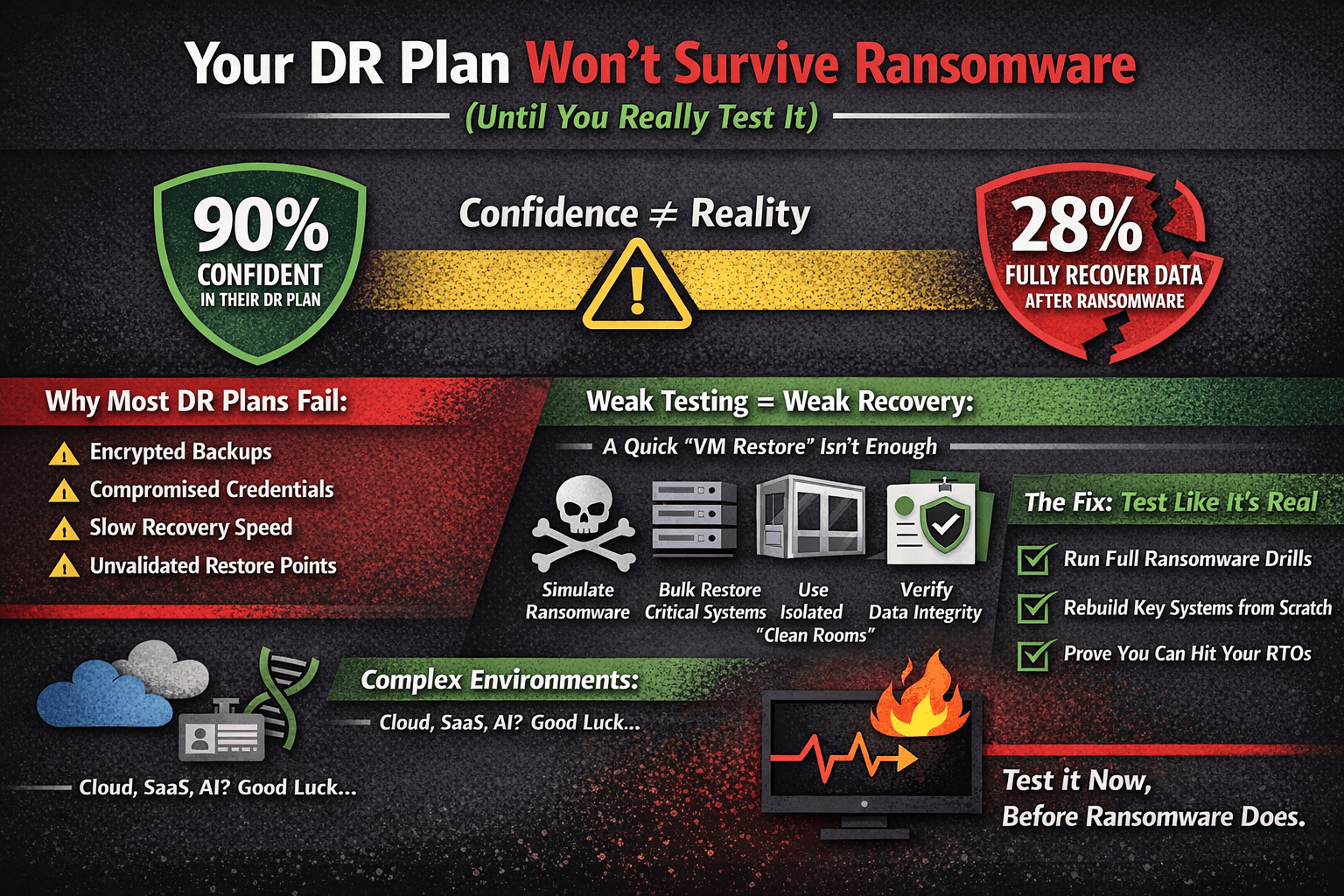
The gap between stated RTO confidence and actual recovery performance in ransomware incidents has become well documented. Global research consistently shows that a large majority of organisations believe they will hit their RTOs, while actual full recovery rates during ransomware incidents are far lower. When organisations claim a four-hour RTO but the forensic review of a claim shows a three-week recovery, that gap becomes a coverage dispute.
For Irish organisations, this has a specific dimension. The HSE’s independent post-incident review documented a recovery process that took four months to fully complete, with hospital systems reverting to pen and paper in the interim. That is the real-world benchmark that Irish insurers have in mind when they ask about recovery objectives. Documenting an RTO without a credible, tested plan to back it up is a risk.
What they want to see:
- Documented RTOs and RPOs
- Evidence those objectives have been tested under realistic conditions
- Confirmation that recovery includes identity and application dependencies, not just raw data restoration
The Controls That Appear Alongside Backup on Every Application
Backup doesn’t exist in isolation on a cyber insurance application. Underwriters evaluate it as part of a broader control picture. The controls that consistently appear alongside backup requirements — and that carriers treat as a package — are:
MFA across all privileged access. Not just email. VPN, RDP, backup consoles, cloud management planes, and admin accounts. Partial MFA implementation is treated as no MFA for underwriting purposes. One Irish insurer contact recently described this as the single most common cause of policy denial in the current market.
Endpoint Detection and Response. Legacy antivirus is no longer accepted. Carriers want EDR deployed on endpoints and servers, with active monitoring and documented agent coverage reporting.
Privileged Access Management. Standing admin privileges are a red flag. Underwriters want evidence of time-limited elevation, least-privilege enforcement, and separated admin and daily-use accounts.
Documented Incident Response Plan. Not a theoretical plan — a documented, tested IR playbook with vendor contacts, escalation paths, and tabletop exercise records. Under DORA, financial entities are required to test operational resilience on a continuous basis. Insurers are aligning to the same expectation.
The Regulatory Convergence Is Doing Some of the Work for You
One piece of genuinely good news for Irish organisations: if you are building toward NIS2 or DORA compliance, you are largely building toward cyber insurance compliance at the same time.
NIS2 requires organisations to implement backup management as part of ICT risk management obligations. It requires business continuity testing. It requires supply chain security evaluation. It requires incident response capability. DORA goes further still for financial entities, with mandatory resilience testing including full operational recovery simulations.
The controls that satisfy these regulatory frameworks are, with very few exceptions, the same controls that underwriters are asking you to evidence on a renewal application.
The organisations that struggle with renewal are typically the ones treating insurance and compliance as separate workstreams. They are not separate. In Ireland in 2026, they are the same conversation.
The Part Nobody Tells You About Claims
The shift in underwriting posture has a direct implication for claims.
Carriers are now conducting forensic reviews post-incident that specifically compare the controls attested to on the application against what actually existed at the time of the breach. Where material misrepresentations are found, claims are being denied.
The practical risks for backup specifically:
- Attesting to immutability that isn’t properly enforced at the infrastructure level
- Claiming tested backups when restore tests haven’t been documented
- Stating that backup credentials are isolated when they share the production identity domain
- Confirming offline copies exist when they haven’t been maintained or tested
These aren’t edge cases. They are the areas where backup architecture most commonly diverges between what looks good on paper and what actually holds up under adversarial conditions.
For Irish organisations that have experienced a breach and notified the DPC, NCSC, and An Garda — as the Ombudsman’s office was required to do — the insurer’s forensic team will be working through those same notification records. Everything you have documented, and everything you have not, will be visible.
What to Do Before Your Next Renewal
The same steps that make your backup architecture genuinely resilient also make your insurance application easier to defend.
Document everything. Restore tests, immutability configurations, credential isolation, retention policies, recovery exercise outcomes. If it exists but isn’t documented, it doesn’t exist for underwriting purposes. This applies equally to your DORA and NIS2 compliance evidence.
Test recovery, not just backup. A restore test that validates application functionality, includes identity recovery, and is conducted under realistic load is worth more on a renewal application than a year of green backup job status reports.
Harden backup credentials independently. MFA on backup consoles, isolated admin accounts, no shared identity with production. This is increasingly a direct question on underwriting questionnaires — and the answer needs to be backed by evidence.
Maintain an offline copy and keep it current. One genuinely air-gapped or offline copy, maintained regularly, documented, and tested. Consider where it is physically located and what jurisdictional controls apply — relevant for both insurance and GDPR purposes.
Be accurate on the application. This sounds obvious. But the gap between what organisations believe is in place and what forensic review finds has been the source of most significant claim disputes in recent years. If a control isn’t fully implemented, say so — and document the remediation plan. Misrepresentation on the application is the fastest way to a denied claim after a breach.
Final Thought
Cyber insurance used to be something the procurement team handled. Backup teams rarely saw the application.
That has changed.
Ireland’s threat profile, the combined weight of GDPR, DORA, and incoming NIS2 obligations, and a hardened global insurance market have made cyber insurance renewal a genuinely technical exercise — one that requires IT and security teams to be directly involved.
The questions underwriters are now asking about immutability, credential isolation, restore testing, and recovery objectives are backup architecture questions. The evidence they want is the same evidence that good backup hygiene should already be producing.
If your backup environment has never been reviewed against a current underwriting checklist, there’s a reasonable chance the renewal conversation is going to surface gaps that neither you nor your broker expected.
Better to find them now than at 2am when the incident is already in progress.