The Restore Nobody Could Log Into
Second in a six part series on restore testing. Same composite client throughout: a business administration firm, around 500 staff, two offices.
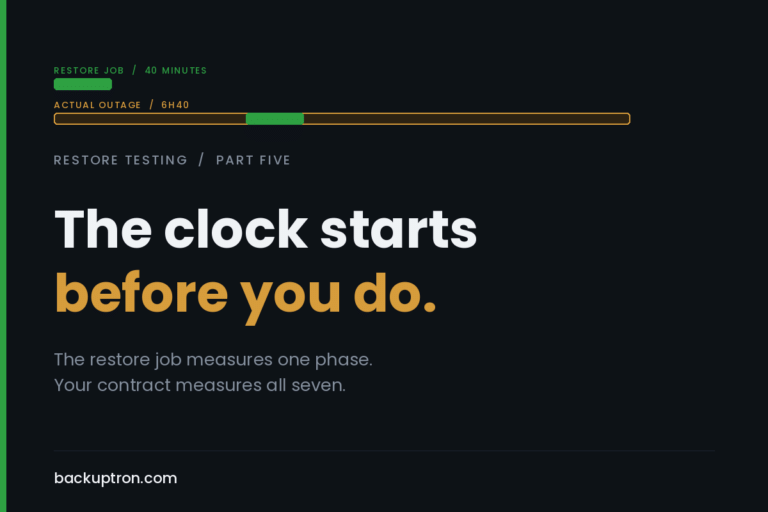
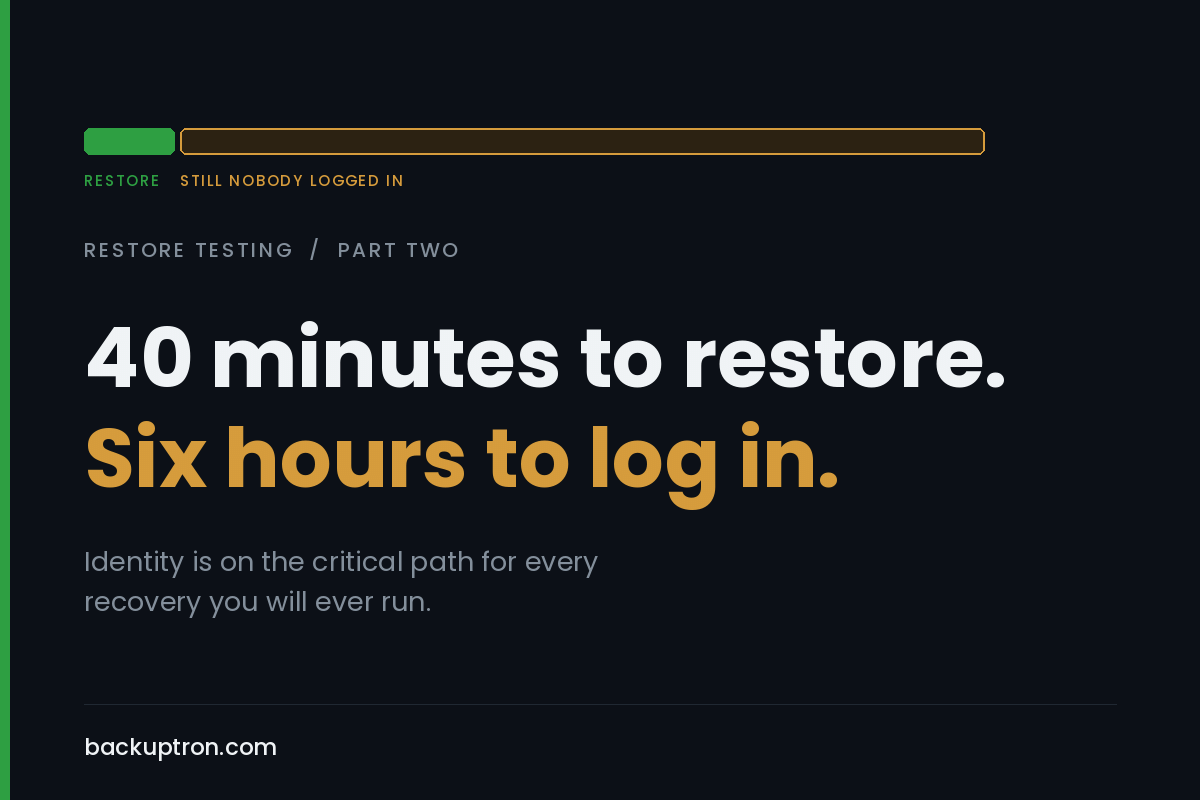
Last week I left them hanging. Forty minutes to get the case management platform and its SQL back end restored into an isolated segment, then six hours before anyone could actually log into it. I said the authentication dependency had never been in scope for a test. Here’s what that actually looked like on the day.
They did have domain controller backups. That wasn’t the problem. Somebody restored one, it booted, and then it sat there being not very useful. SYSVOL wouldn’t come good because there was nothing on the isolated network for it to replicate with, and the DNS zones were AD-integrated so name resolution was half working, which is worse than not working at all. The lad running it went looking for the DSRM password so he could force an authoritative SYSVOL restore.
It wasn’t in the password manager. It was eventually found in a build document from 2019, in a SharePoint folder belonging to a project that finished years ago.
That’s four of the six hours, near enough. Not a technology failure. Nobody had ever needed to know that password, so nobody knew it.
identity breaks first because everything sits on it
I keep coming back to this and it keeps getting ignored, so let me put it plainly. Nearly every workload you’re planning to restore has an authentication dependency, and in most estates that dependency terminates at Active Directory, Entra ID, or both. The file shares, the line-of-business app, the SQL instance, the backup console itself. All of it.
Which means identity is on the critical path for every recovery you’ll ever run, and it’s the one component most teams have never restored. Not once. They’ve restored user objects out of the recycle bin, which is grand, and they’ve counted that as having tested AD.
It isn’t the same thing at all.
restoring a domain controller is not restoring a server
This is where people come unstuck, and it’s worth being specific because the failure modes are unforgiving.
You don’t restore all your DCs. You restore one per domain, from backup, and then you rebuild the rest, either by metadata cleanup and a fresh promotion, or by demote and repromote if they’re still alive enough to cooperate. Restoring several DCs from backup and letting them find each other is how you end up with USN rollback and lingering objects, and the symptoms of that turn up weeks later as replication that quietly stops working properly rather than as anything that announces itself on the day.
Some other bits that tend to get discovered at the worst possible time:
Tombstone lifetime. A backup older than your tombstone lifetime, which is 180 days on most modern forests and 60 on ones that were upgraded from very old builds, is not a valid source for a DC restore. If your DC backup retention and your tombstone lifetime don’t line up, you’ve got a gap you can’t see in any report.
The DSRM password. You need it for an authoritative SYSVOL restore and for booting into Directory Services Restore Mode. It’s set at promotion and then almost never touched again. Go and check yours today. You can reset it on a running DC with `ntdsutil` and it takes about ninety seconds, which is a far better use of your time than finding out the way this client did.
VM-Generation ID. If you’re running 2012 or later DCs on a hypervisor that supports it, reverting a snapshot won’t give you USN rollback, which is genuinely good news and has saved a lot of people. What it does do is trigger a non-authoritative sync, invalidate the RID pool and reset the invocation ID. That’s the correct behaviour. It is not the same as the DC being fine, and it doesn’t help you if the thing you reverted to is the only copy you have.
FSMO roles. If the DC holding them isn’t coming back, you’re seizing, not transferring. Know which box holds what before you need to know it.
DNS. AD-integrated zones live in the directory, so the directory has to be up before name resolution is right, and plenty of the things you need to bring the directory up want name resolution. It sorts itself out once you’ve done it a couple of times. It does not sort itself out at two in the morning when you’ve never done it before.
And the one people really don’t want to hear: if the reason you’re restoring is ransomware, restoring AD may be the wrong call entirely. AD was very likely the path the attacker took. Restoring it restores whatever they left behind. The golden ticket material, the persistence, the group memberships that were adjusted three weeks before anyone noticed. Reset krbtgt twice, with a full replication cycle between the two resets, and be honest with yourself about whether a rebuild is the safer road. Microsoft’s forest recovery guide is a grim read and worth an afternoon of anyone’s time before you need it.
the entra half, where there’s no restore point at all
Here’s the bit that catches people who’ve done their homework on the on-prem side.
There is no point-in-time restore for an Entra tenant. You cannot roll it back to Tuesday. What you have is soft delete, thirty days for users, Microsoft 365 groups and app registrations, and after that it’s gone properly. Security groups don’t even get that. It’s a deletion safety net rather than a backup, and it does nothing at all for configuration. Conditional access policies, named locations, role assignments: delete one and there’s no undo and no version history to go back to.
Which matters here because the Entra half of your identity plane has no equivalent of the domain controller restore described above. There’s nothing to restore. There’s only what you wrote down.
I’ve covered that side in its own post, including what third party tools actually do and a script to export your tenant configuration to versioned JSON. For this series the point is narrower. Half your identity plane has a restore path and half of it doesn’t, and your recovery plan needs to be honest about which half is which.
which way the damage travels
In a hybrid estate the direction matters. If on-prem AD is authoritative for synced objects and you restore AD to an earlier point, sync will happily push that state upward. Entra Connect’s accidental deletion prevention will stop a bulk delete at the default threshold of 500 objects, which is a good backstop and also entirely useless against 400.
So before anyone restores a DC in anger, someone should be deciding whether sync stays running. That’s a decision with a right answer in most cases, and it should be written down in advance rather than argued about while the clock is going.
can you log into your own backup console
Small question, disproportionate consequences.
If your backup infrastructure authenticates against the directory it’s protecting, and that directory is what’s broken, how do you get in. Local account, hopefully. Where’s the password. Is there MFA on it, and does that MFA depend on the tenant that’s also part of the problem.
Break-glass accounts want to be excluded from conditional access, on a long random password held somewhere physical, and alerted on when used. Then actually tested, which is the part that always gets skipped. An untested break-glass account is a hope, not a control. Same applies to the hypervisor management plane and the storage array. Anything you need hands on during a recovery needs a way in that doesn’t route through the thing you’re recovering.
what to actually test this month
Not the whole forest. That’s too big a first bite and you’ll never get it scheduled.
Restore a single DC into an isolated network, on its own, with nothing else. Prove it boots. Prove DSRM works with the password you think is correct. Prove DNS resolves. Then stand up one member server or one application against it and get a real user account authenticated end to end. Time each phase separately, because the total tells you nothing about where to spend your effort.
You’ll notice this needs somewhere isolated to do it, with no route back to production. That’s a proper piece of design in its own right and it’s week four.
For now, two things you can do this week that cost almost nothing. Check the DSRM password is where you think it is. Check the AD Recycle Bin is enabled, because it can’t be turned on retrospectively for objects already deleted, and an awful lot of estates still haven’t done it.
the useful bit
The forty minute restore was never the achievement. It looked like one on the report, and reports are what most people are working from.
If you take one thing from this, make it the ordering. Identity first, then the workload. In your runbook, in your test plan, and in the number you’re quoting to clients. A recovery time that doesn’t include getting the directory back is a recovery time for a service nobody can use.
Next week: everything else that has to be up before the application will start. DNS, certificates, licensing servers, and the service account nobody has the password for.