The Test That Broke Production: Isolated Recovery Done Properly
Fourth in a six part series on restore testing. Same composite client throughout: a business administration firm, around 500 staff, two offices.
There’s a detail I’ve been quietly sitting on for three weeks.
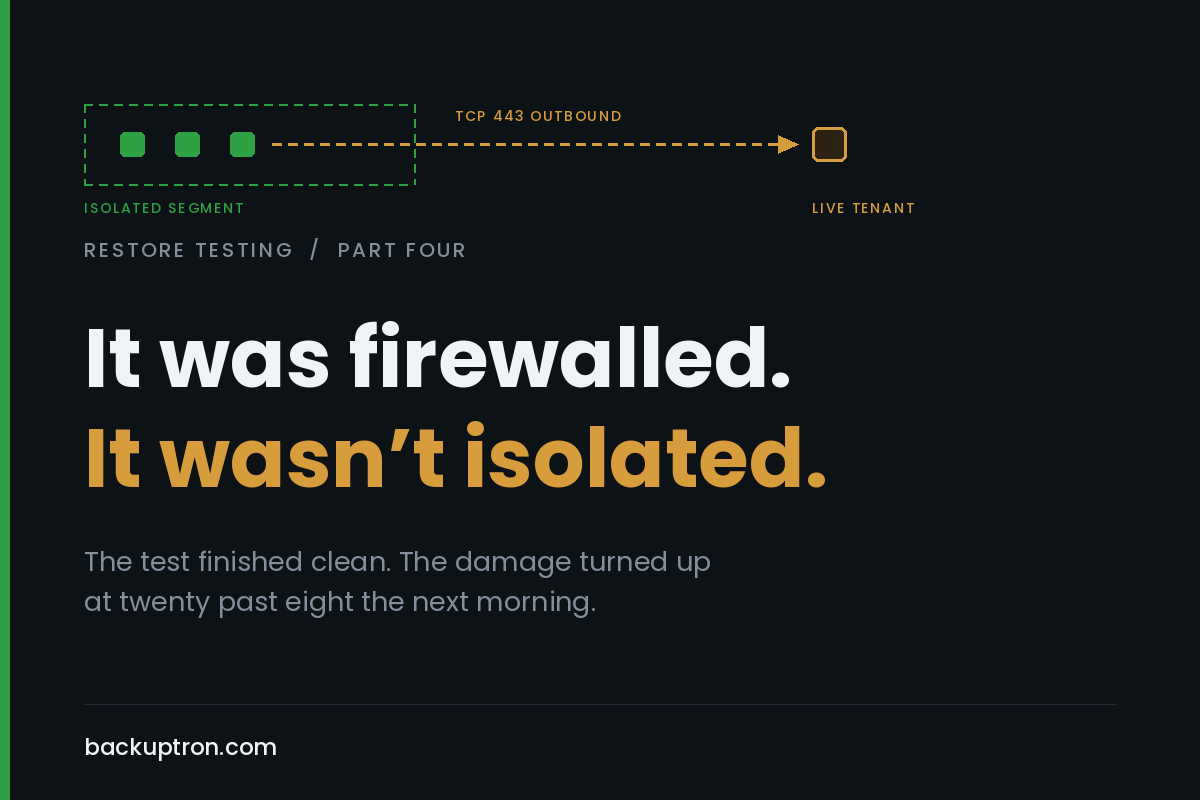
I’ve been describing their restore test as happening in an isolated segment, because that’s what everyone in the room called it. It wasn’t isolated. It was firewalled, which is a different thing, and the difference didn’t show up on the day at all. It showed up at twenty past eight the following morning, when the service desk started taking calls from people whose passwords had stopped working.
Their directory sync server was in the restore set. Sensible enough, it’s part of the environment. It came up in the bubble alongside the domain controller, found that outbound 443 was open, authenticated to the live tenant using the credentials sitting in its own configuration, and got on with the job it was built to do.
It was not in staging mode. Nobody had thought about staging mode, because nobody had ever restored it before.
what a two week old sync actually does
Not mass deletion, which is what people expect and what the safety nets are built for. Something quieter than that.
The restored server had a two week old view of the directory, so it pushed a two week old view of the directory. Attributes rolled back across a good chunk of the user base. Job titles, phone numbers, proxy addresses, group memberships. Password hash sync pushed stale hashes, which is why anyone who had changed their password in the previous fortnight found the new one rejected and the old one working, and why every call to the service desk sounded like a tenant problem rather than a backup problem.
Two leaver accounts, disabled on prem after the restore point, came back enabled in the tenant. For a firm holding client scheme data under contract, that one had a longer tail than the passwords did.
Worth noting what didn’t save them. Accidental deletion prevention was on, at the default threshold, and it was entirely irrelevant. Nothing was being deleted. The control everyone reaches for when this subject comes up protects against the one failure mode that wasn’t happening.
I flagged the direction of travel in part two, that if on prem is authoritative then a restore pushes its state upward. This is what that looks like when it stops being theoretical.
The cleanup was straightforward once they understood it. Shut down the restored server, force a full sync from the live one, correct the two accounts by hand. About a day in total, most of it spent working out what had happened rather than fixing it. Then a conversation with whoever signs off access reviews, which was the part nobody enjoyed.
two different rooms, constantly confused
Worth separating out, because a lot of the muddle in this area comes from one word doing two jobs.
The first is a testing bubble. Somewhere to restore things regularly, prove they work, time them, and throw them away. It runs every month, it’s boring, and its main job is to not touch production.
The second is a clean room for an actual incident. Somewhere to bring restore points when you can’t trust the environment they came from, examine them, and decide what’s safe to promote. It runs maybe never, and when it runs everybody is having a bad week.
Different requirements. The testing bubble needs to be cheap, repeatable and quick to stand up. The clean room needs to be trustworthy, which is a much harder property and costs considerably more to establish. Plenty of organisations build the first, label it the second, and assume they’re covered.
The same platform can serve both. They are not the same design, and the gap between them is mostly about what you’re willing to believe.
isolation is a property of the network, not the firewall
If there is a path, there is a path. Restored infrastructure will find it, because that is what the software is designed to do.
Most isolation gets built facing the wrong way. The rules are written to stop things reaching in, which is the instinct everyone has, and outbound 443 stays open because outbound 443 is always open. That’s fine for a web server. It is not fine for a restored identity component holding valid credentials for a live tenant, or for anything else in your estate that phones home and acts on what it finds.
Proper isolation means a port group or a VLAN with no uplink and no gateway, or a separate host entirely. Not a rule set. Not a segment with a deny that somebody can amend at four in the afternoon because the test needs to reach the licensing server.
That last one is how nearly every isolated environment I have seen has degraded. Nobody rips out the isolation. Somebody adds one rule, for a good reason, then a second, and eighteen months later the bubble has a route to production that nobody can quite account for. I’ve done it myself on an early build of one of these, for exactly the reason above. The licensing server. It seemed sensible at the time.
Most of the major backup platforms ship some flavour of automated sandbox that handles this properly, with a proxy appliance and address translation so you can reach into the bubble without the bubble reaching out. Use it if you have it, and be aware that the appliance is itself the route back and wants the same scrutiny as any other pinhole.
The other thing real isolation buys you, which people underrate, is that you get to keep production addressing. Applications have hardcoded IPs in config files and connection strings and ODBC entries. Re-addressing everything for a test tells you very little about whether the real thing works. In a properly isolated bubble you can duplicate the production range and nobody minds.
what has to live inside the bubble
Everything from part three is the short answer, but a few things come up every time.
DNS, and it has to be a copy rather than a forwarder to the real one.
A time source. There’s no internet in there and Kerberos will not forgive you five minutes of drift. Set the PDC emulator inside the bubble as authoritative and move on.
A way in. If there is genuinely no route you’re on hypervisor console, which is fine but slow and horrible for anything involving typing. A jump host inside the bubble saves a lot of grief.
Credentials that don’t depend on anything outside. Local admin accounts, the DSRM password from part two, whatever your break glass arrangement is.
And a decision, made before you start, about every component in the restore set that holds credentials to something outside the bubble. Directory sync is the obvious one and it is not the only one. Monitoring agents, RMM, backup proxies with object storage keys, anything at all with an API token in a config file. Either it doesn’t get restored, or it gets restored with its network path removed, or it comes up in whatever the equivalent of staging mode is for that product. Pick one deliberately instead of finding out.
the incident version, where trust is the hard part
Now the awkward one.
If you’re recovering from a compromise, the question isn’t whether the data restores. It’s whether what you restore brings the problem back with it. A restore point taken after the intrusion began contains whatever the attacker left behind, so restoring it puts their foothold back in place along with your data. You’ve recovered the environment and their access to it in the same operation.
So the sequence has to be restore into isolation, examine, decide, then promote. Never straight back into infrastructure you haven’t either rebuilt or convinced yourself about.
Most backup vendors will let you mount a restore point and scan it, and you should. Understand what that buys you though. Signature scanning a mounted volume finds known malware. It doesn’t find a web shell in an application directory that looks like every other file in there, or a scheduled task, or a service account whose group membership was adjusted last month, or a GPO with something extra in it. Those are the things that persist.
Which leads to the part that is genuinely hard. Choosing a restore point means deciding when you were last clean, and you usually can’t know. If the intrusion predates your oldest retained point then there is no clean copy, and no amount of scanning changes that. Known good is a judgement somebody has to make and put their name to, not a status a tool reports.
Have a view in advance on who makes that call. It is not the backup administrator.
it costs money and sits idle, which is why it doesn’t exist
Let’s be straight about why most mid market organisations haven’t built one. It’s compute and storage doing nothing for eleven and a half months of the year, competing for budget against things that produce something.
Three ways out, roughly in order of how often they work.
Use the DR site. If secondary infrastructure is already sitting there for failover, an isolated segment on it costs almost nothing extra and the hardware is already justified.
Stand it up in cloud on demand. This suits mid market best, because you pay for the days you use it. The catch is that on demand only works if it’s built as code, or documented well enough to rebuild in an hour. If standing up the bubble takes a day of somebody remembering how, you’ll skip the test, and skipped tests are how we got here.
Or run it small and permanent. One host, enough capacity for a domain controller and one application, always available and always isolated. Less impressive, gets used far more often, which matters more.
this month
Two things, and the first takes ten minutes.
List everything in your restore set that holds a credential to something outside your walls. Directory sync first. Then decide, in writing, what happens to each of them when they come back up.
Second, find out whether your isolated environment is actually isolated, and test it in the outbound direction rather than the inbound one. Stand something up in there and see whether it can reach the internet. If it can, it isn’t a bubble.
And while things are calm, write down who is allowed to declare a restore point trustworthy. That decision will otherwise get made under pressure by whoever happens to be in the room.
the useful bit
The thing worth taking from this is that the test looked like a success. It finished, the numbers got recorded, everyone went home. The damage was done by a component that wasn’t really part of the test at all, behaving exactly as designed, and it surfaced twelve hours later as something that looked like a completely unrelated problem.
Next week: measuring properly. Where the time actually goes, why total elapsed is close to useless, and what an RTO number looks like when somebody asks you to stand over it.