The Other Two Hours: What Has to Be Working Before Your Application Is
Third in a six part series on restore testing. Same composite client throughout: a business administration firm, around 500 staff, two offices.
Two weeks ago I said their four hour RTO turned out to be six and a half. Last week I spent the whole post on four of those hours, which went on a domain controller and a DSRM password nobody had written down.
This week is the other two, and they’re the more interesting two, because after identity was sorted everybody in the room thought they were finished.
The application was up. Users could log in. Somebody went and made tea.
Then the complaints started. The case management platform was working, technically, in the sense that it responded to clicks eventually. Every screen took the guts of a minute to load. Anything that touched the document store took longer. It behaved like a system under heavy load, on a network with four people on it.
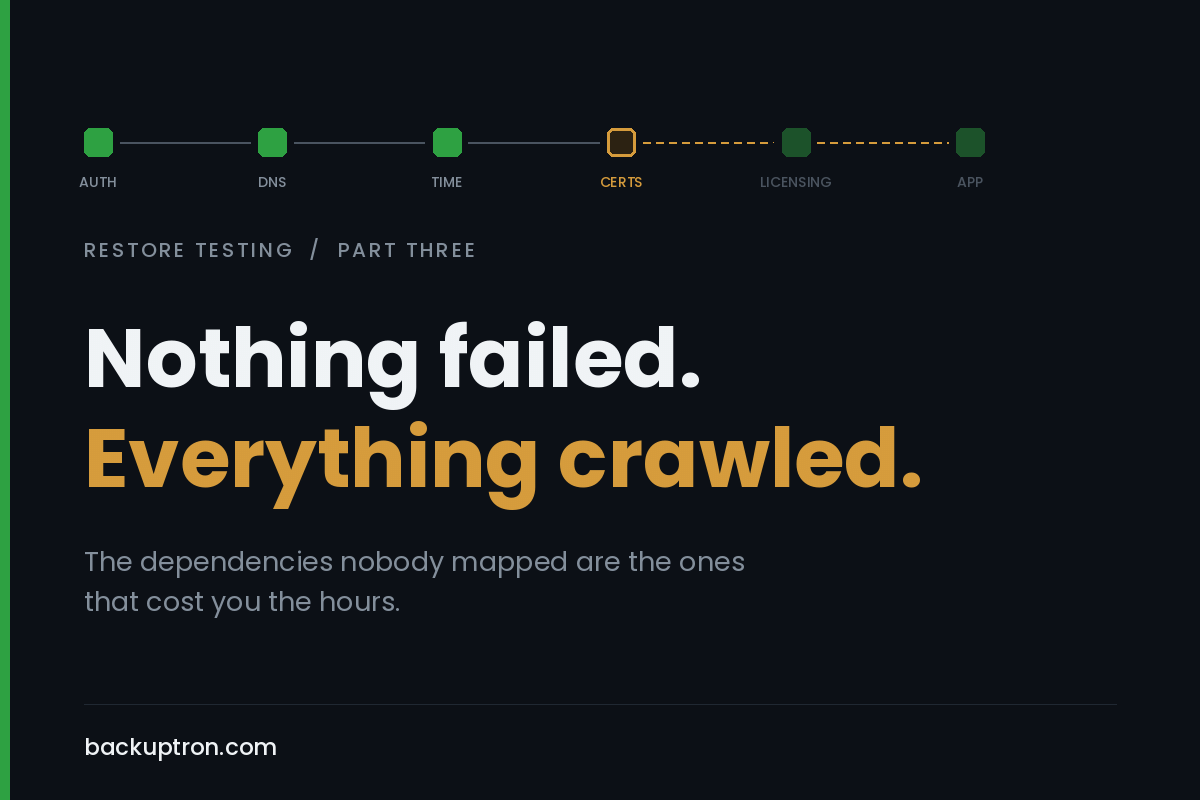
It was certificate revocation checking. The app’s internal services talked to each other over HTTPS using certificates from their own issuing CA, and every one of those calls was trying to reach a CRL distribution point that didn’t exist inside the isolated segment. So each call sat there waiting for a timeout it was never going to get answered, then carried on regardless. Nothing failed. Everything crawled.
They found it eventually. Took about two hours, most of which was spent looking at the wrong things, because a slow application looks like a storage problem long before it looks like a PKI problem.
a dependency is anything that stops the thing being usable
Not anything the application talks to. Anything whose absence means a person with a job to do can’t do it.
That’s a narrower definition than the one you’d get from a CMDB and a broader one than most runbooks use. It rules out the monitoring agent that fails quietly. It rules in the licensing server, the certificate chain, and the clock.
I want to be honest about something before I go further. I have never seen a complete dependency map for a real estate. Not one. I’ve seen very good partial ones, usually for a single critical service, usually built after an incident by somebody who was there. The complete version doesn’t exist because the estate changes faster than the document, and because a fair chunk of what an application needs was decided by a developer in 2016 and written down nowhere.
So the goal isn’t a complete map. The goal is knowing enough about your top few services that a restore of them doesn’t surprise you.
the ones that get people
Time. Kerberos allows five minutes of clock skew and not a second more. A restored VM whose clock is wrong, or an isolated network with no route to a time source and a PDC emulator that’s been up for twenty minutes, will give you authentication failures that look exactly like a directory problem. People burn hours on this. Decide in advance what your time source is during a recovery, because the answer on a normal day is usually “the internet” and that may not be available.
Certificates, and specifically revocation. Covered above, so I’ll add the parts that didn’t come up. If your internal issuing CA is part of the outage, you can’t issue anything new, which matters if something expires during the recovery. And your offline root, if you have one, wants to be backed up in a way you’ve actually tested, private key included. On the public side, find out today who holds the account that renews your external certificates, and whether the automation that does it runs on a box that would be down.
Licensing. The one nobody puts in a runbook. Restore a workload onto different hardware and node locked licences stop working. KMS and RDS licensing servers are their own little dependency chain. Some applications, particularly older line of business ones, phone home for activation and will not start without it. If you need a vendor portal login to reissue, that login is now a recovery dependency and it’s probably in one person’s browser.
Service accounts. Two flavours of pain. The ordinary kind, where a scheduled task or a service runs as an account whose password is in nobody’s head and whose SPNs nobody documented. And group managed service accounts, which are better in every normal circumstance and add a wrinkle in recovery, because they depend on the KDS root key in the directory. Restore AD without it, or restore to a state before it existed, and gMSA backed services stop being able to retrieve their passwords. Worth knowing before rather than during.
DNS. Beyond the AD integrated zone problem I covered last week. Conditional forwarders that pointed somewhere that no longer exists. Records with long TTLs still cached on clients. A restored server that comes up on a different address than the one hardcoded in an ODBC DSN or a connection string, which happens more often than anyone admits.
Scheduled jobs. For this client, the actual work happens overnight. Files in, files processed, files out. A restored application that a user can log into is a decent milestone and it isn’t the service. The service is the batch run completing. Nobody tested the batch run.
That last one isn’t really a dependency in the technical sense. It’s a scoping failure, and it belongs on the list anyway because it’s the most common one I see.
you don’t map this on a whiteboard
Here’s where I’d push back on how this is usually taught. The standard advice is to document your dependencies and then test against the documentation. In practice that produces a tidy diagram that reflects what somebody believed, and the test then confirms the belief rather than checking it.
Turn it round. Run the restore, in isolation, with as little help as you can bear to give it, and write down every single thing that had to be fixed or fetched or looked up before the service worked. That list is your dependency map, and unlike the whiteboard version it’s true.
The first time you do this it will be embarrassing and it will take all day. That’s the point. The second time it takes an hour and the list is short, and by the third one you’re testing rather than discovering.
what the isolated test won’t tell you
Being straight about the limits, because I don’t want anyone thinking one exercise covers it.
An isolated restore is very good at finding internal dependencies and useless at finding external ones. This client’s entire business involves exchanging files with scheme providers and insurers over SFTP, most of it gated by IP allowlisting on the other side. If they ever recovered into a different site or a cloud region, their outbound address changes and those transfers stop, and no amount of isolated testing will surface that because there’s no outbound at all.
Same goes for anything that depends on a third party being told you’ve moved. API endpoints, webhook callbacks, partner VPNs, and the mail flow if you’re relaying through something that checks the sending IP. Those need a paper exercise alongside the technical one. Sit down with whoever owns the client relationships and go through the integration list asking a single question about each. What breaks if we come back somewhere else.
For a firm whose contracts have service credits attached to file delivery windows, that conversation is worth more than another VM restore.
this month
Pick your most important service. Not the biggest, the one that would cause the most grief by lunchtime.
Restore it in isolation, and time it in phases the way I banged on about in part one. When it doesn’t work, resist the urge to have the person who knows fix it from memory. Make them write down what they did. That document is the thing you were trying to produce, and you got it for the price of a test you should have been running anyway.
Then go and check three things that cost nothing. What your recovery time source is. Whether your issuing CA is in the backup scope. Who can reissue your application licences at the weekend.
the useful bit
The pattern across all three posts so far is the same, and I’ll say it once more because it’s the whole argument. Data coming back is the easy part and it’s the part everybody measures. Everything after it is where the time goes, and it’s invisible until you make yourself look.
Next week: where you do this, when production can’t be trusted and you can’t put a restored domain controller on the live network without causing a bigger problem than the one you started with.